Basic Modules: Lookups, FKs, Trees, File Uploads
These four module shapes need no hand-authored config at all — everything is derived automatically from the schema. All four are demonstrated together in one fixture, items-suite, a small realistic product-catalog scenario.
A simple lookup module
No FKs, no relationships — just a name/description table (status lists, category lists, type lists).
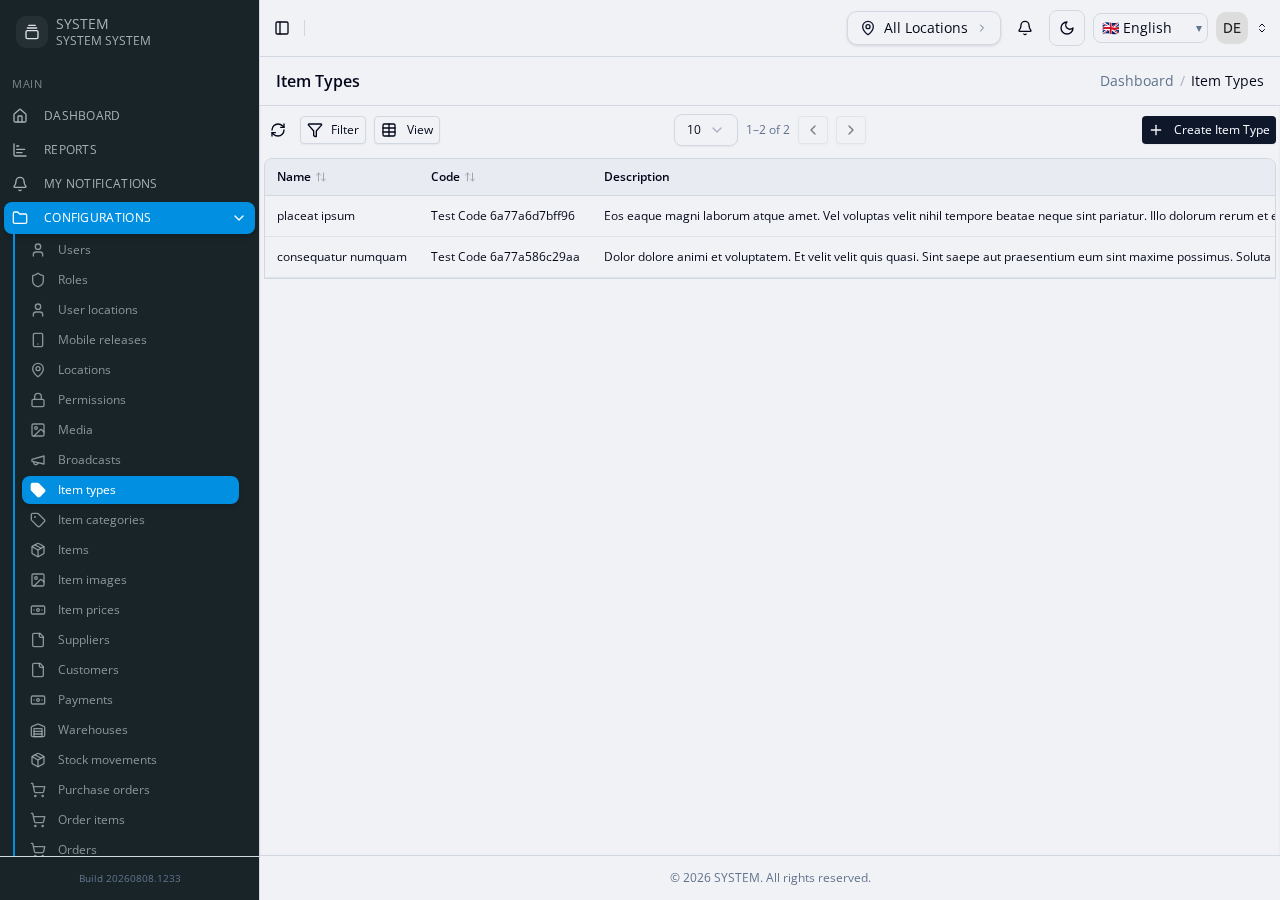
Reference: items-suite's ItemTypes table.
php artisan make:module Custom/ItemTypesWhat you get: full CRUD (list/create/edit/view/delete), a simple text form, no relationship pickers.
A module with FK relationships
A module that references one or more other modules (a "main entity" with lookups).
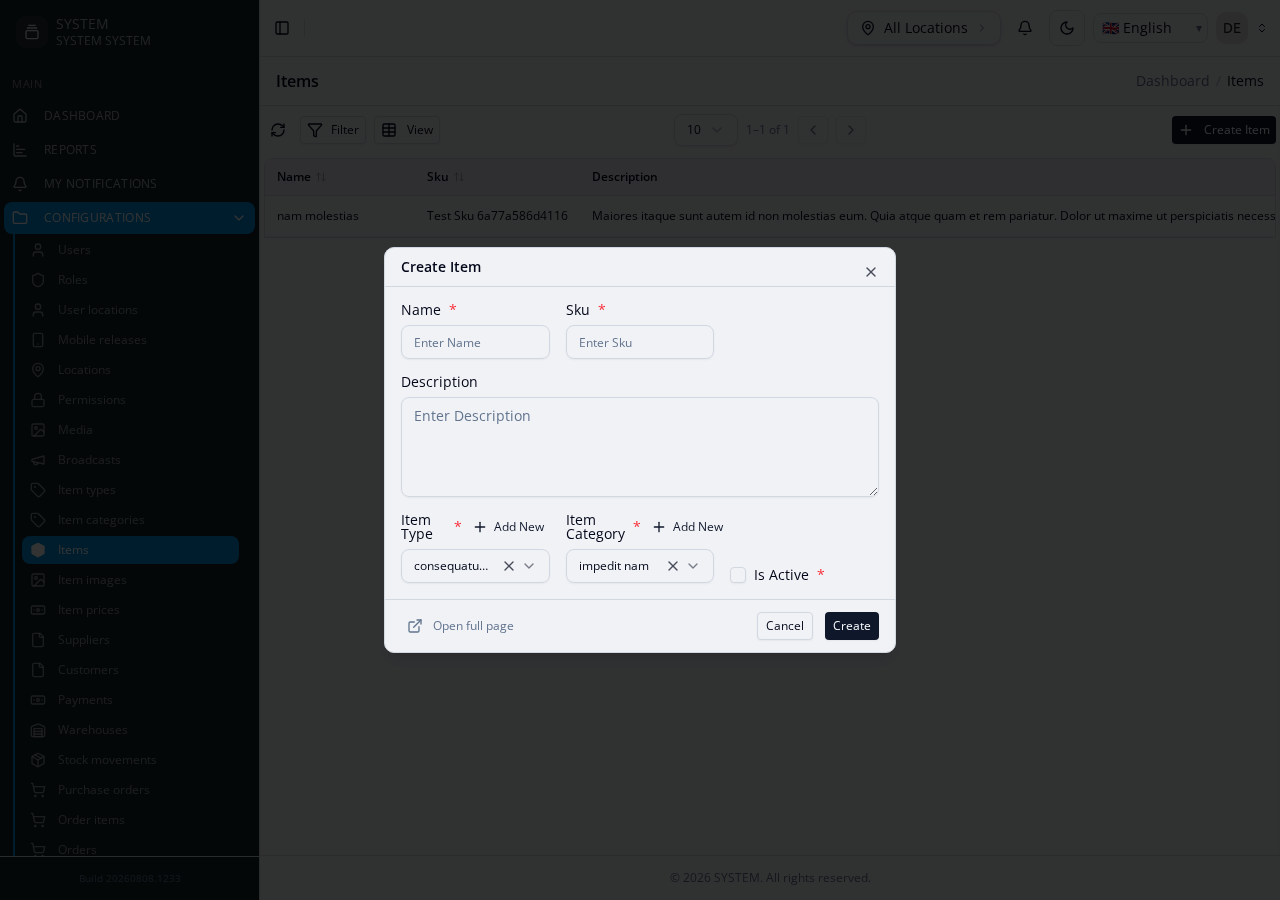
Reference: items-suite's Items table — has two required FKs (item_type_id → ItemTypes, item_category_id → ItemCategories).
FK-referenced modules must be scaffolded before the module that references them, or the referencing module's generated code can't resolve a correct namespace/import for the related model:
php artisan make:module Custom/ItemTypes
php artisan make:module Custom/ItemCategories
php artisan make:module Custom/Items          # references both of the above
What you get: the Items create/edit form offers a dropdown/picker for each FK; the list and view pages resolve and display the related record's label, not just its raw id.
FK detection does not require a real DB-level foreign key constraint — it works off a naming-convention heuristic ({column}_id matched against a pluralized table name) whenever a real constraint isn't present, falling back to real constraint introspection first when one is.
A self-referential module (tree/hierarchy)
A module whose FK points at its own table — a parent/child tree within one module (categories with sub-categories, locations with sub-locations).
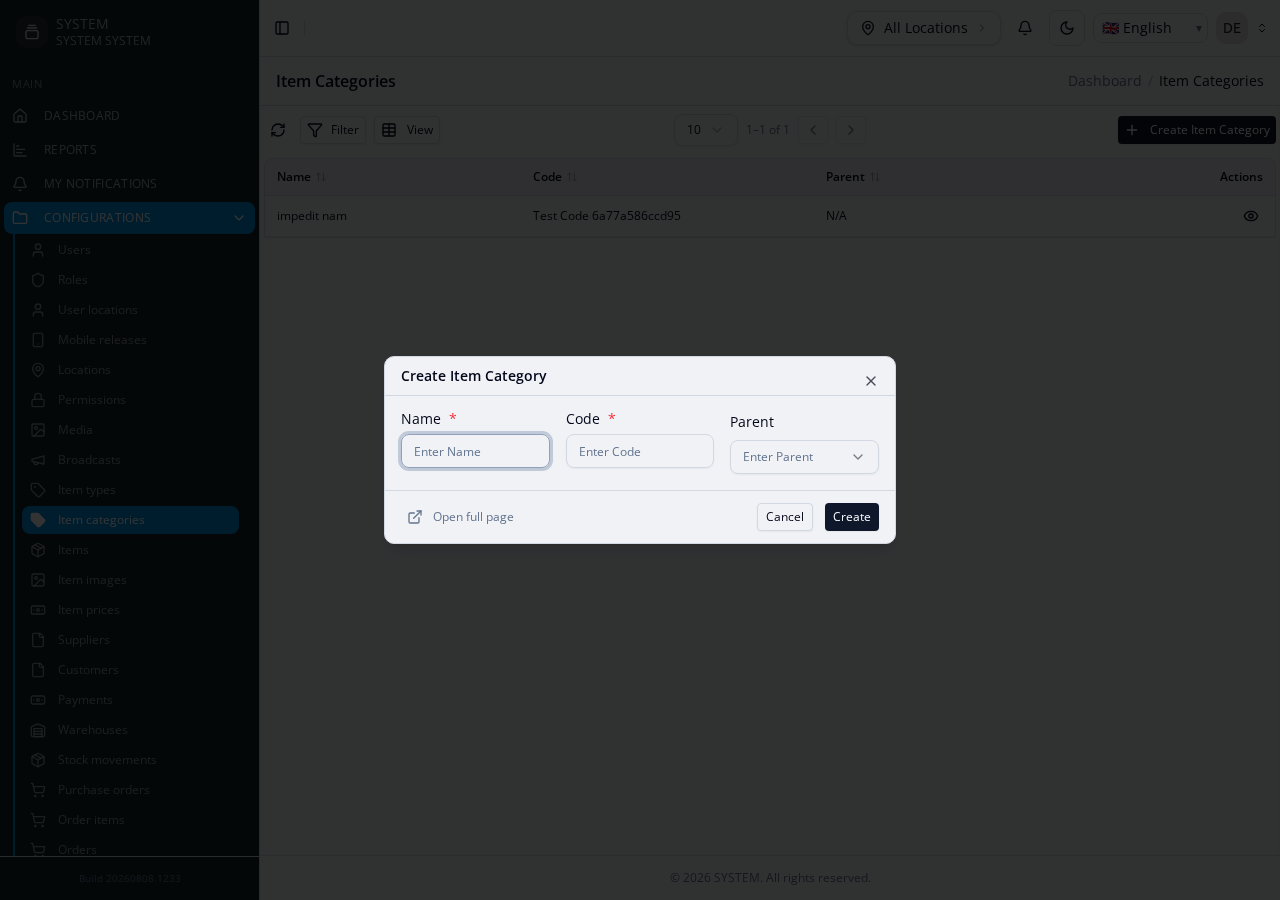
Reference: items-suite's ItemCategories table — parent_id → item_categories.id.
php artisan make:module Custom/ItemCategoriesWhat you get: the create/edit form offers a parent-category picker (itself excluded from its own options); the list/view pages can render the tree depth or breadcrumb.
A file-upload / media field
A column that should render as a file/image upload, not a plain text input, and stores a reference to the project's Media module.
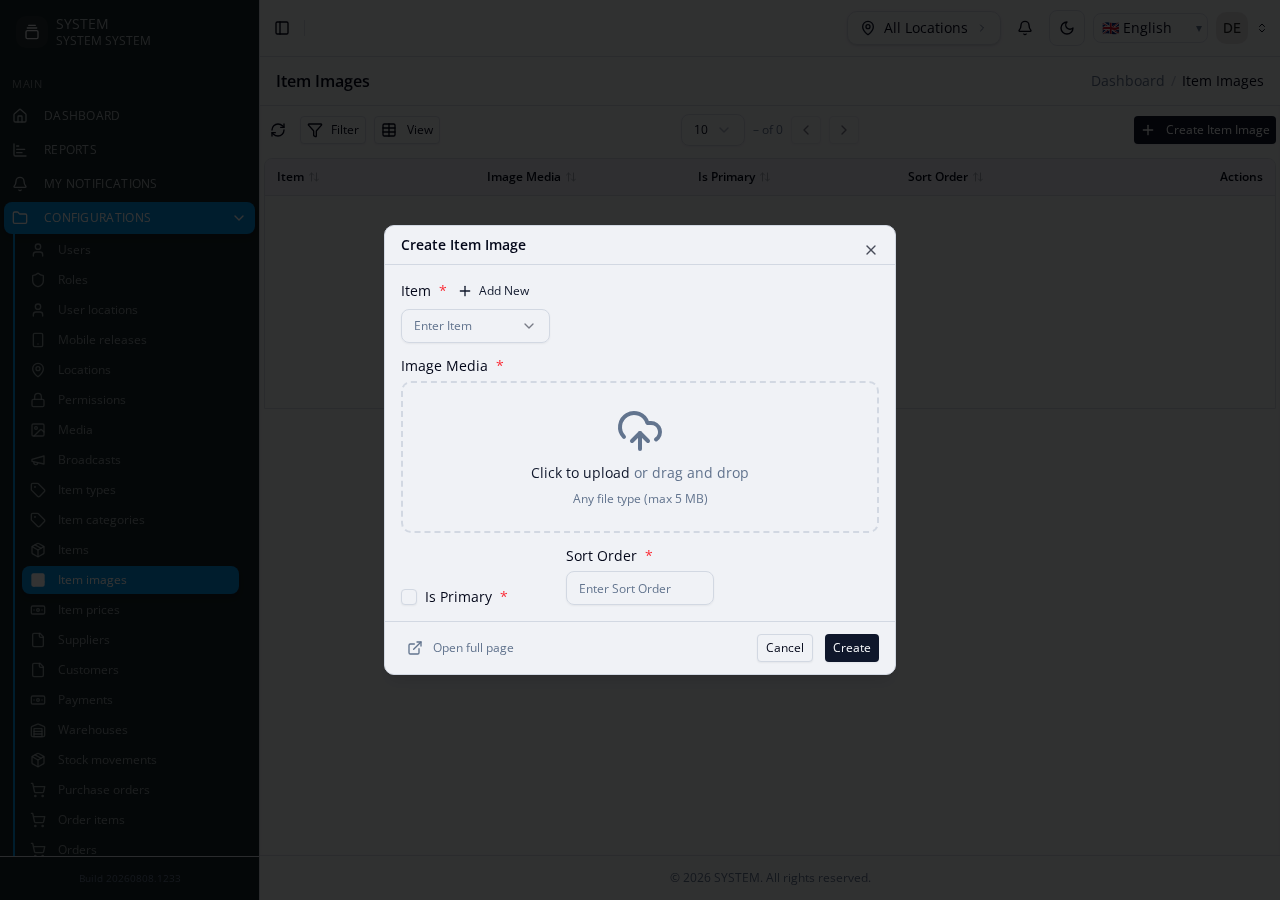
Reference: items-suite's ItemImages table — image_media_id is the file-upload column. Nothing in the column's type or name alone tells the engine it's a file-upload field — pass --file-columns at generation time (comma-separated for more than one such column):
php artisan make:module Custom/ItemImages --file-columns=image_media_idWhat you get: the create/edit form renders image_media_id as a real file upload widget, and the generated Create/Edit service handles the upload via the Media module before persisting the record.
Filter fields on an FK + enum column, without hand-authoring filterFields
A module with an FK column and an enum column gets a type-aware filter panel for free — no filterFields config needed. See Features Config › Filter fields for the full rules; this walks through one real, grounded example.
Reference: items-suite's item_prices table (child of Items) has an item_id FK column and a price_tier enum column (['standard', 'premium', 'wholesale']). With just:
"features": {
  "backend": {
    "list": { "filterableFields": ["item_id", "price_tier"] }
  }
}
and no filterFields entry at all, generation derives:
[
  { "key": "item_id",    "label": "Item",       "type": "select_paginated" },
  {
    "key": "price_tier", "label": "Price Tier", "type": "select",
    "options": [
      { "name": "Standard",  "id": "standard" },
      { "name": "Premium",   "id": "premium" },
      { "name": "Wholesale", "id": "wholesale" }
    ]
  },
  { "key": "id",         "label": "ID",         "type": "text" },
  { "key": "uuid",       "label": "UUID",       "type": "text" },
  { "key": "created_at", "label": "Created At", "type": "date" }
]
item_id becomes a live-searching select_paginated dropdown (an FK column is never a free-text search), price_tier becomes a select with its real enum values as options, and id/uuid/created_at are appended automatically regardless of what filterableFields lists.
See the fixture's own README for the full migration set and step-by-step verification commands.